
The Project Settings section allows users to configure settings related to projects, including reminders, project statuses, and categories.
Project Settings Tab
- Users can enable or disable project reminders.
- There is an option to toggle “Send Reminder” for projects.
- After making changes, users must click “Save” to apply them.
Project Status Settings Tab
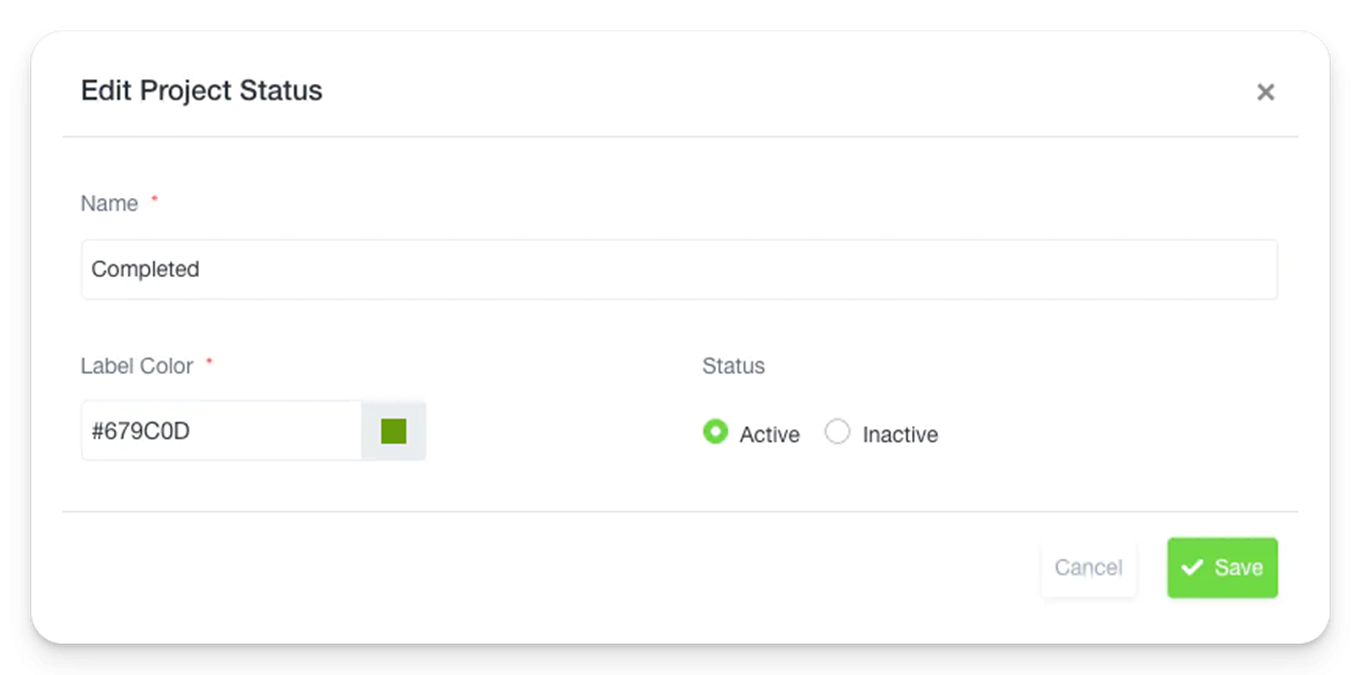
- Users can define custom project statuses.
- Each status has a Name, Label Color, and can be marked as Active or Inactive.
- Users can create a new project status by clicking “Create Project Status”, filling in the details, and clicking “Save”.
Project Category Tab
- Users can manage project categories.
- A list of existing categories is displayed with options to Edit or Delete.
- To add a new category, users click “Add Category”, enter a category name, and save it.
These settings help in managing projects effectively by organizing them under different statuses and categories while providing an option for reminders.