The Profile Settings module allows users to manage their personal information, emergency contacts, and documents.
Managing Profile Information
- Navigate to Settings > Profile Settings from the sidebar.
- Update the following details:
- Profile Picture – Upload or change your profile image.
- Name & Email – View or update your registered name and email.
- Password – Change your password if needed.
- Mobile & Address – Add or modify your contact details.
- Language & Notifications – Set your preferred language and email notification preferences.
- Click Save to apply changes.
Managing Emergency Contacts
- Go to the Emergency Contacts tab.
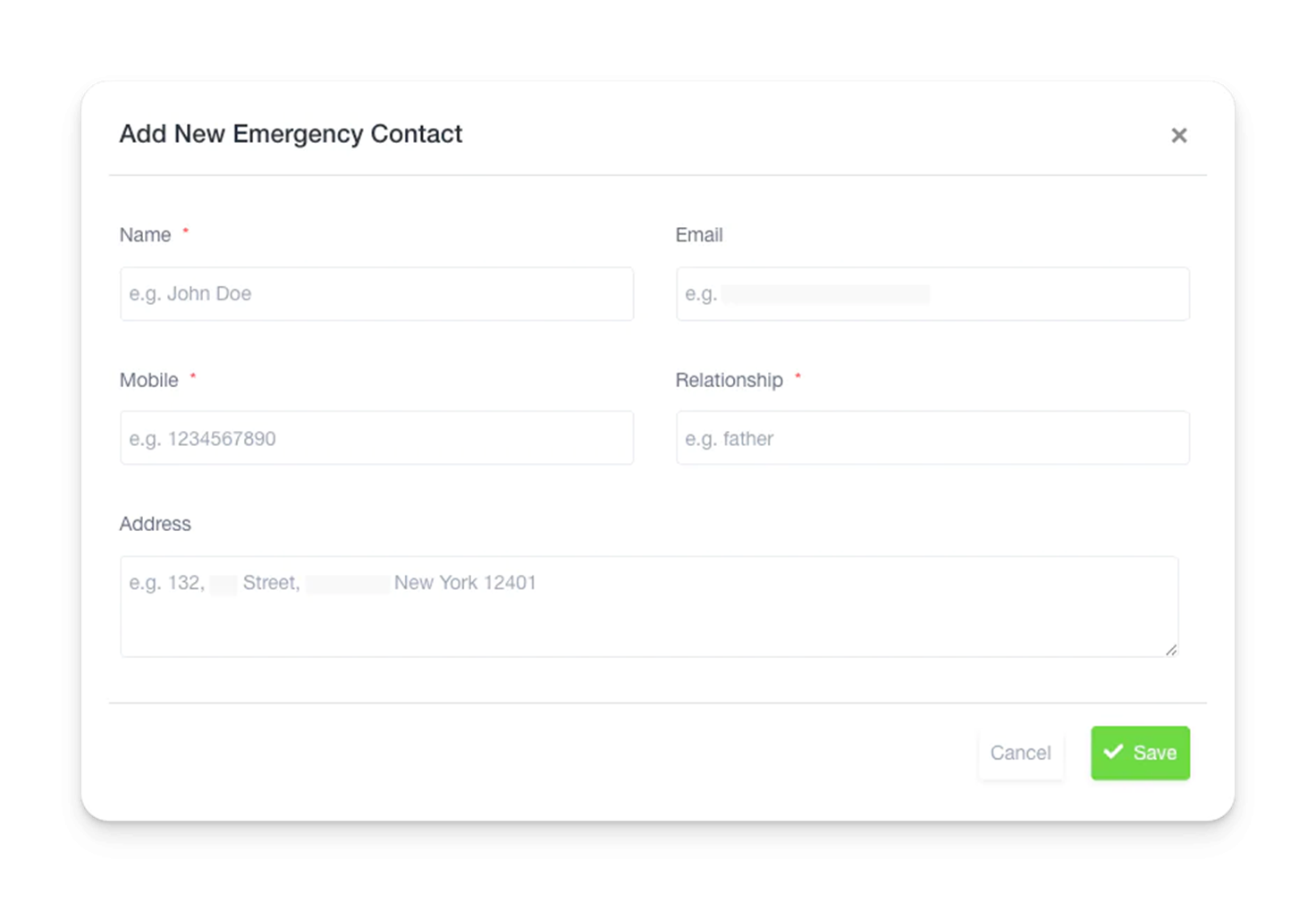
- Click Create New to add a contact.
- Enter the person’s name, email, mobile number, and relationship to you.
- Click Save to store the contact.
Managing Documents
- Open the Documents tab.
- Click Add Files to upload personal or work-related documents.
- Provide a file name, then select and upload the document.
- Click Submit to save the document.
This section ensures that users maintain accurate profile details and have quick access to emergency contacts and essential documents.